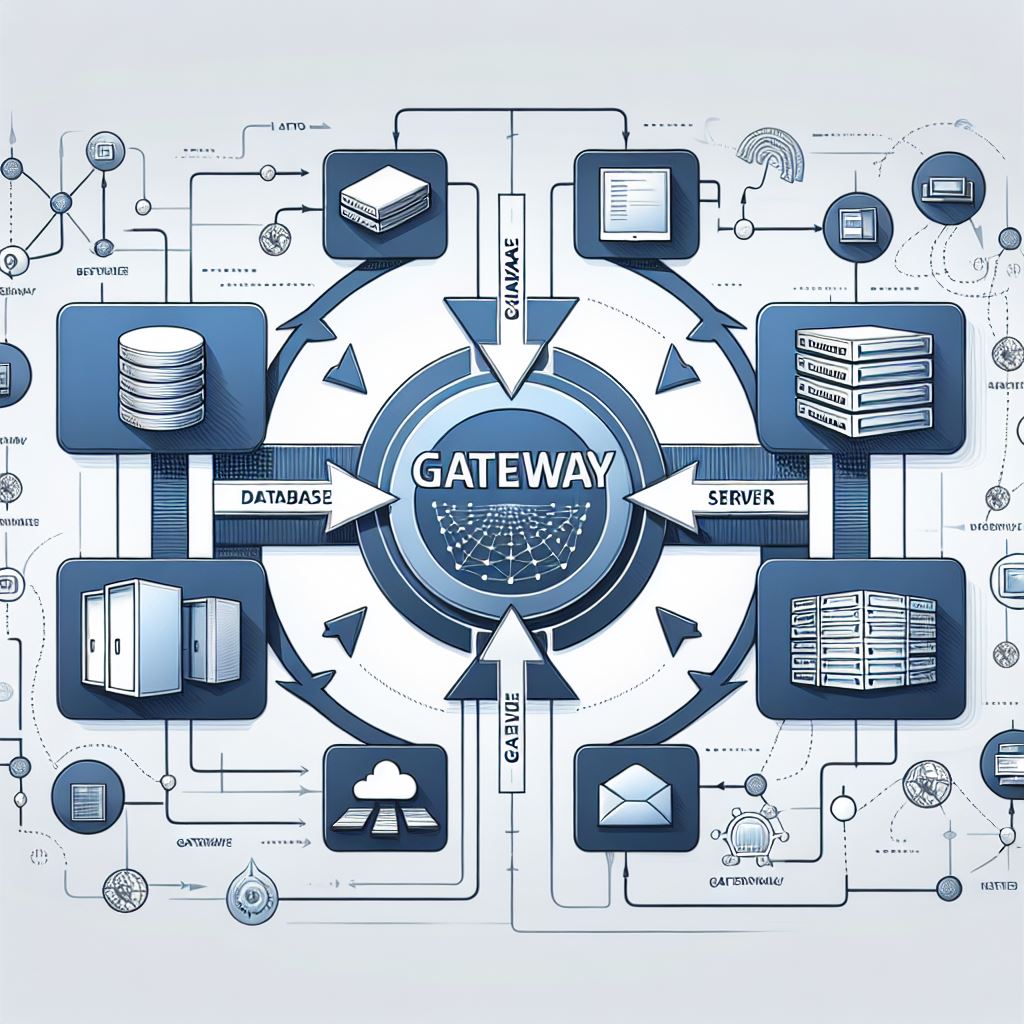
With the release of On-premises Data Gateway version 3000.242.5, we will have support for production pipelines in connecting to on-premises data sources.
However, there are some considerations and a few small changes to make.
💠 Users of the September gateway version or those connecting to SQL will need to make the following changes or they will see errors.

Indeed, when establishing a connection to a local SQL Server using the on-premises data gateway or Power BI Desktop and SQL Server uses a self-signed certificate, the refresh operation for a Fabric semantic model or data flow may fail.
💠 Modification and correction:
- On the local machine where the on-premises data gateway is installed, navigate to C:\Program Files\On-premises data gateway.
- Make a backup of the configuration file named Microsoft.PowerBI.DataMovement.Pipeline.GatewayCore.dll.config.
- Open the original Microsoft.PowerBI.DataMovement.Pipeline.GatewayCore.dll.config configuration file and locate the entry.SqlTrustedServers
- Update the value with the names of the SQL servers to trust and connect to. The value contains a comma-delimited list of server names and supports * as a wild card. So for instance in the following example:
the value matches , , and , but doesn’t match .SqlTrustedServers<setting name="SqlTrustedServers" serializeAs="String"> <value>contososql*,mysvr</value> </setting>contososql*,mysvrcontososql6contososqlazuremysvrmysvr.microsoft.com
To resolve this error when using Power BI Desktop, modify the environment variable value to include SQL Server.
👊🏽 Just Like That
 BEYOND THE PLATFORMS
Leave a comment