
What is Dataverse?
In the world of Power Platform, Dataverse is the beating heart of data management. But what exactly is it, how is it used, and what strategies can we adopt to reduce and effectively manage storage?

Dataverse is a scalable and secure cloud data storage platform, integrated within the Microsoft Power Platform. It enables the storage, management, and modelling of structured data (tables, records) and unstructured data (files, attachments) in a centralised manner, making it easier to create apps, automations, and advanced analyses without the need for complex infrastructures.
Examples of Dataverse Use

- Business apps : Creation of low-code applications for managing HR processes, sales, ticketing, asset management, etc.
- Process automation : Using Power Automate to orchestrate workflows that interact with data stored in Dataverse.
- Analytics and reporting : Integration with Power BI to analyse real-time data and generate interactive dashboards.
- Integration with Microsoft 365 : Synchronisation of data between Teams, Outlook and other Microsoft solutions.
How does storage work in Dataverse?
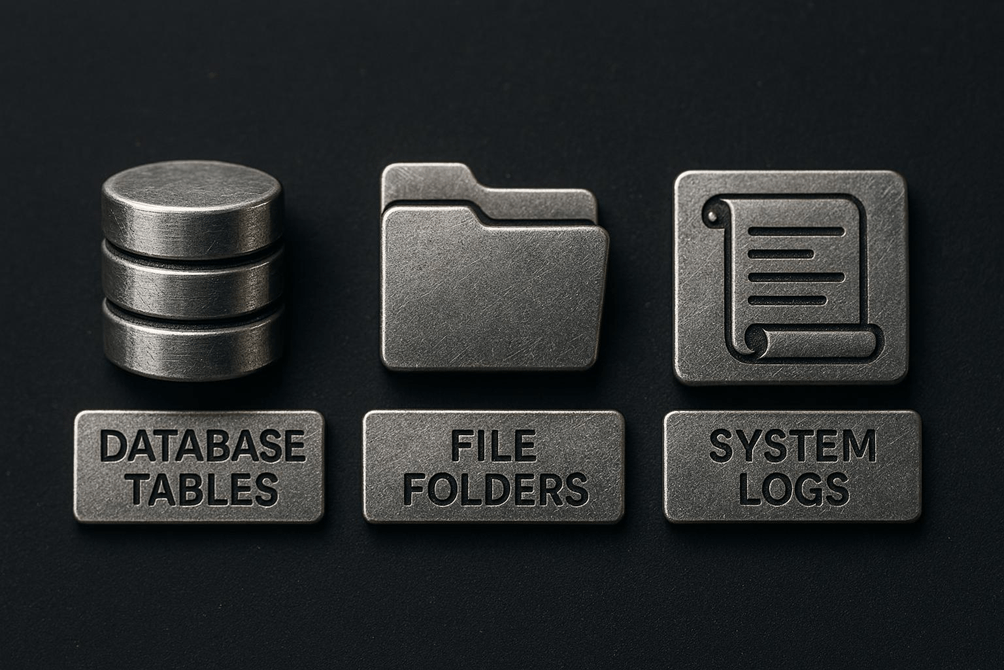
Storage in Dataverse is divided into three main categories:
- Database : contains tables and records (structured data).
- File : stores attachments and files uploaded by users.
- Log : records auditing activities and system logs.
7 Methods to Reduce and Manage Storage in Dataverse
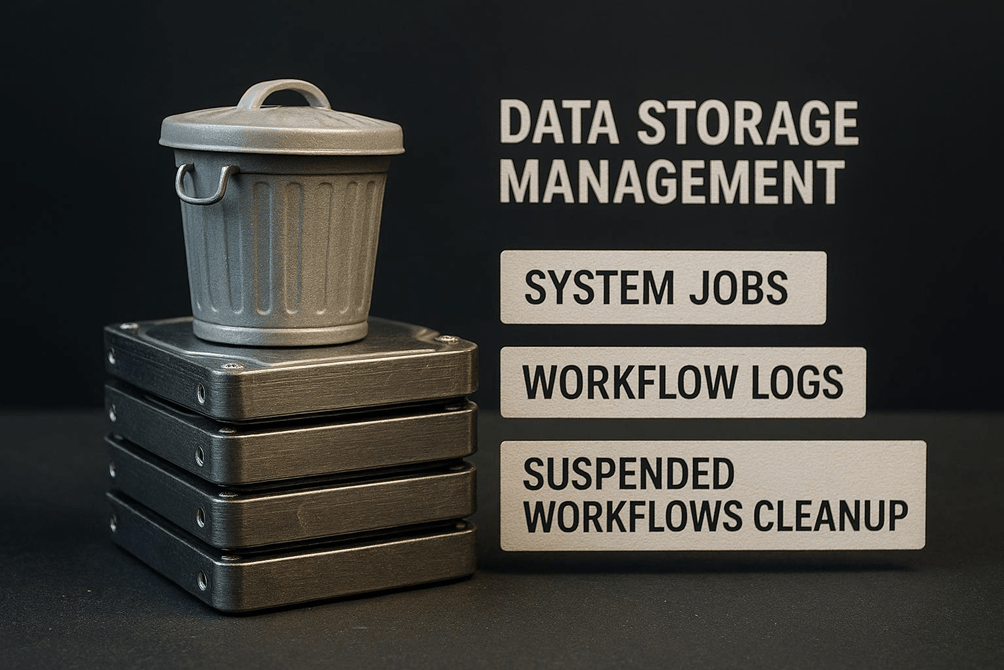
- Cleaning up System Jobs and Workflow Logs : Each workflow, flow, or import execution creates records that are not automatically deleted. It is essential to plan periodic cleanup of these tables to prevent uncontrolled storage growth.
- Deleting suspended workflows : Workflows that encounter errors remain suspended and occupy space. Before deleting them, it is important to resolve the root cause of the error to prevent it from recurring.
- Deleting import history : Each data import leaves traces in the logs. Once the imported data has been validated, these records can be safely removed.
- Cleaning up activity tables (e.g. Email) : Emails, especially those with attachments and HTML content, can take up a lot of space. It is advisable to periodically remove activities that are no longer necessary.
- Optimising Dataverse search : Indexing all tables increases the space used. It is best practice to index only the tables that are actually used in searches, thereby reducing the impact on storage.
- Deleting audit history : Audit logs grow quickly and are not automatically deleted. Before proceeding, it is necessary to check the company’s compliance requirements.
- Reducing the retention of audit logs : Setting a shorter retention period for audit logs slows storage growth and reduces the need for emergency interventions.

Managing Dataverse storage is not just about cost savings, but also about operational efficiency and governance. By applying these best practices, you can maintain an agile, high-performing environment that complies with corporate policies.
For further details and practical resources, visit beyondtheplatforms.com and follow the page for more tips on Power Platform and digital innovation, or contact me!
Boom, done 💣!
Follow me:

 BEYOND THE PLATFORMS
Leave a comment