


-
Power Automate dateDifference() Function
Microsoft recently introduced a new function. dateDifference() It may seem trivial but it is not. The functions in Power Automate help facilitate the workflow we are developing and make it more efficient (with fewer steps). Until recently, we would have had to rely on the ticks() function, which is much more complex. Using the new…
-
MCP in Copilot Studio
What is the Model Context Protocol (MCP) in Copilot Studio? With the continuous evolution of technology, Microsoft continues to innovate to make work smarter and more efficient. Today, the release of support for the Model Context Protocol (MCP) in Microsoft Copilot Studio was announced. This new feature allows easy integration of apps and AI agents…
-
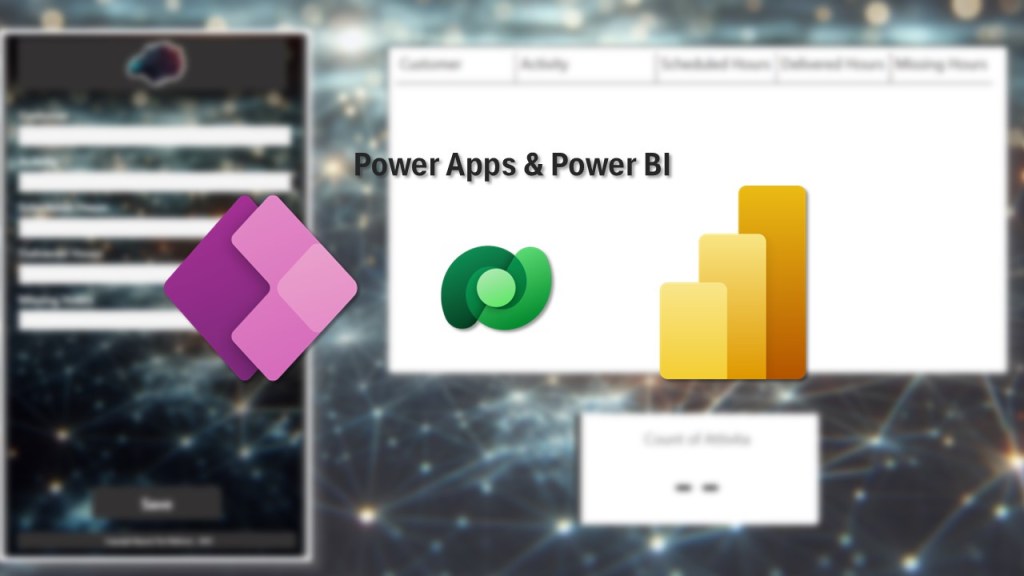
Power Apps embedded in Power BI
Have you ever tried to embed an application within a report? I wanted to give it a test! The steps are few and simple but the result is definitely effective and has definitely opened my mind to new possibilities. I then created an application in Power Apps to simplify the management of jobs/activities and allow…
-
Visualize with Copilot
Every business decision begins with data-driven insights. However, trying to spot trends while staring at rows and columns of data is not exactly the most efficient way to gain information. Manually exporting data, creating charts, and adjusting filters can be time-consuming, creating spreadsheet fatigue. What if you could skip all this tedious work and go…
-

Power Apps – Plans
With great pleasure, “Plans” has been available in Power Apps for a few days. But what is it and what can it do for me? The official description is “A plan is an AI-based document that allows you to describe a business problem and generate a complete solution with apps, flows, and tables.” Even though…
-
Power Apps – User Defined Functions & Types
Creating an app with Power Apps is done with low-code/no-code tools, but there are also built-in functions that allow you to do much more. Thinking about reusing formulas through UDF (User Defined Functions) allows you to create custom and reusable functions. Reuse logic by writing it only once. Simple updates by correcting or modifying the…
Join me
Stay in the loop with everything you need to know.

