


-
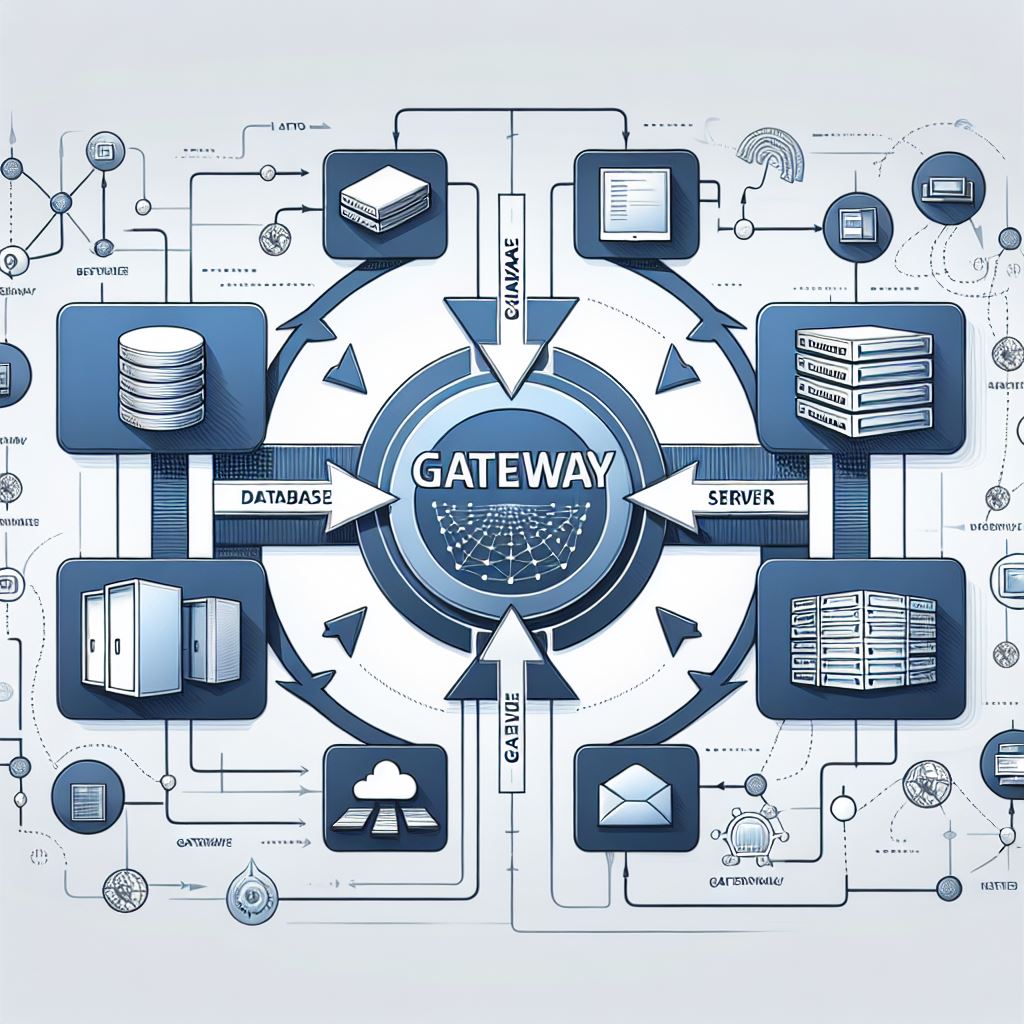
Fabric – On-premises Data Gateway
With the release of On-premises Data Gateway version 3000.242.5, we will have support for production pipelines in connecting to on-premises data sources. However, there are some considerations and a few small changes to make. 💠 Users of the September gateway version or those connecting to SQL will need to make the following changes or they…
-
Copilot Studio – Topics
What are Topics? Topics are the fundamental components that define how a conversation with Copilot unfolds. Each Topic represents a specific conversation path that, when combined with others, allows for natural and fluid dialogues. Once we have created our Copilot, we find ourselves on a screen where we can click on “Topics”: We find ourselves…
-
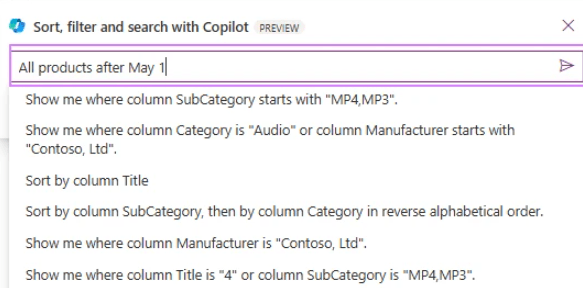
Power Apps – Copilot
Finally, from today, Power Apps developers can use Copilot to quickly filter, sort, and search items in canvas app collections with SQL Server. This feature adds to the previously released functionality related to SharePoint. 💠 Copilot uses natural language to generate a query in the database. 💠 It defines the scope of the current view…
-

Fabric – Incremental Refresh Dataflow Gen2
Finally, incremental refresh is also available on Dataflow Gen2 within Fabric. As some may already know, this feature is designed to optimize data processing, ensuring that only the data that has been modified since the last update is refreshed. 💠 There is a difference from the existing functionality in Power BI; data destinations are supported,…
-
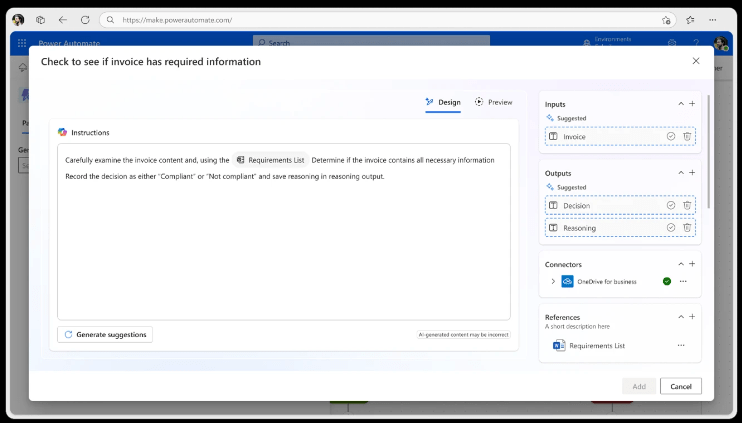
Power Automate – Generative actions
Generative actions are coming and will change the concept of Work Flow! These actions will allow AI-orchestrated actions within automations. 💠 The AI will reason through unstructured content. 💠 Decide the best course of action for more complex tasks. I have always been fascinated by the power of Power Automate, but these new features will…
-
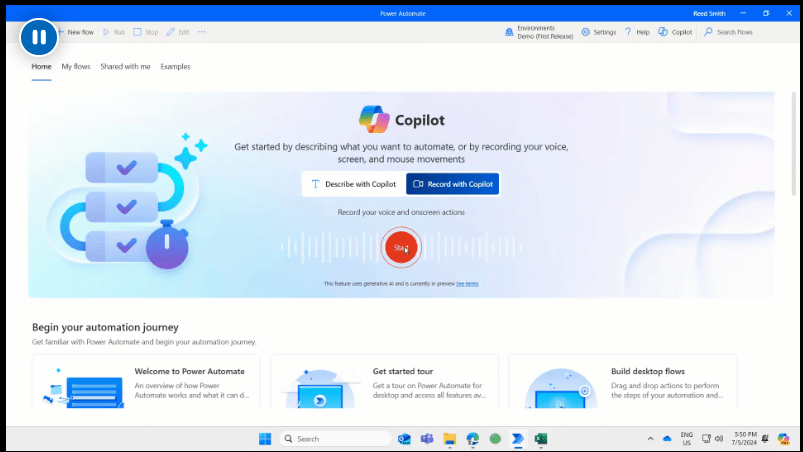
Power Automate Desktop – Copilot
Given the current times, a new feature has arrived on Power Automate Desktop: “Record with Copilot”.Developers can now create a desktop flow simply by sharing their screen and describing the task they want to automate. 💠 Imagine showing and teaching a colleague what needs to be done.💠 Copilot records the actions and prompts and generates…
Join me
Stay in the loop with everything you need to know.

