Category: agent
-
Copilot Notebook: AI that helps you think, not just write
Today, artificial intelligence is no longer just a tool for automation but a true partner in our daily work. With the arrival of Copilot Notebook, Microsoft has taken a decisive step in this direction, delivering a tool with a real edge! The problem: AI is powerful, but often inflexible Anyone working with data, like myself,…
-

The AI Bible of Models
How intelligent is artificial intelligence? The quantity of AI models has truly exploded, and the question I asked myself is: “How can I measure how intelligent artificial intelligence really is?” In the ever-evolving world of artificial intelligence, choosing the right model can make the difference between the success and failure of a project. Today, we’ll…
-
GTP-5 and Copilot Studio
I would say “Spectacular debut,” at times even bewildering. At the exact same moment OpenAI releases GPT-5, Microsoft incorporates the new model directly into the Power Platform suite… all of this is almost too much, even for me. GPT-5 is here: Artificial intelligence enters the core of daily work Artificial intelligence is no longer a…
-

Copilot in Power BI – What’s new
Copilot in Power BI: your new ally for truly understanding your data In the world of data analysis, real value lies not only in the numbers but in the ability to ask the right questions. And today, with the latest updates to Copilot in Power BI, this process becomes even more natural, conversational, and powerful. Data…
-
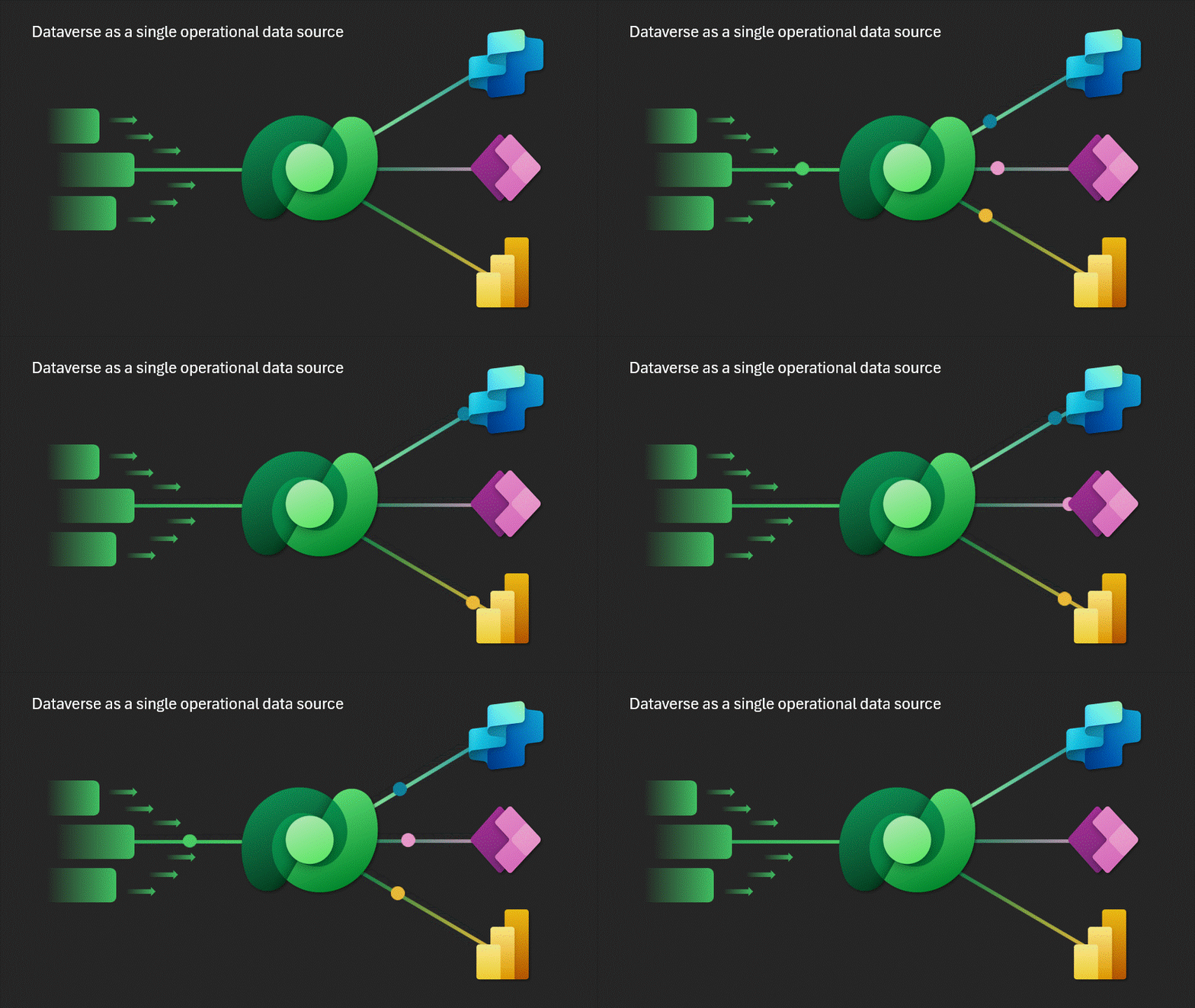
Microsoft Dataverse Capacity for Multi-Agent
With the announcement of the new functionalities of Microsoft Dataverse, Copilot Studio transforms into a true operating system for hybrid human-agent teams—a quantum leap towards orchestrated AI. During Microsoft Build 2025, amidst keynote addresses and futuristic demos, one announcement captured the attention of those looking beyond the surface of platforms: Dataverse evolves to become the…
 BEYOND THE PLATFORMS