Category: agent
-

Agent Memory – Copilot Studio
LLMs are stateless by nature. Yet our agents in Copilot Studio remember. How does it really work, and what does it mean in practice when we build enterprise solutions? Let’s start with a technical fact that is often taken for granted: every time a large language model receives a message, it remembers nothing. It does…
-
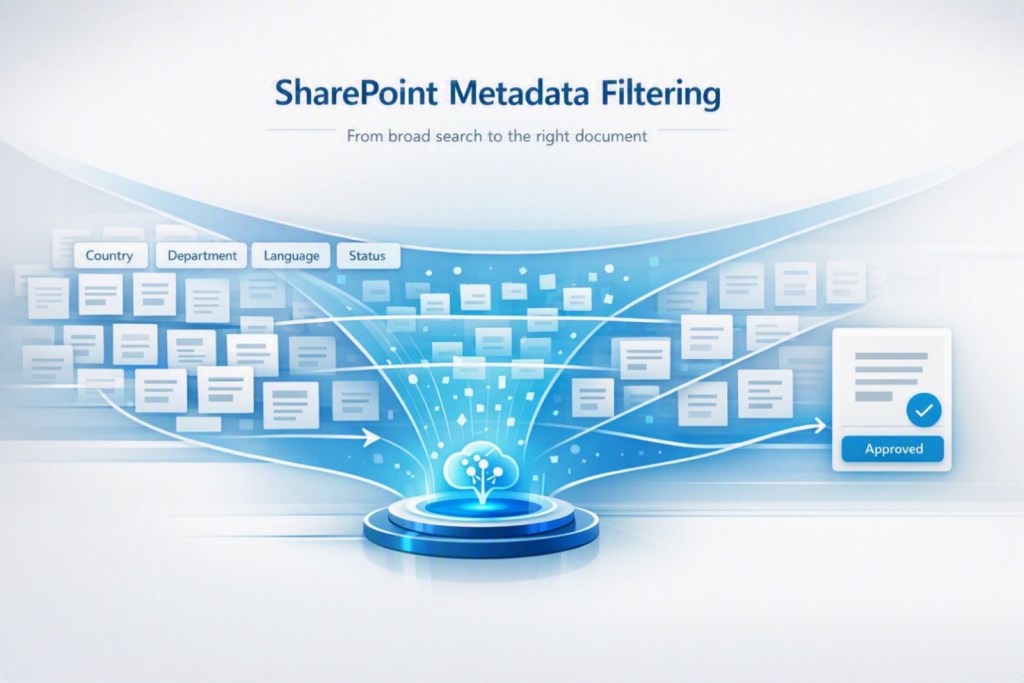
SharePoint Metadata Filtering in Copilot Studio: How to Help the Agent Find the Right Document
If your Copilot Studio agent responds using the wrong document, the problem may not be the model. It may be the way you organized knowledge in SharePoint. When we connect a SharePoint library to an agent, we tend to focus on the files: which documents to upload, which sites to connect, how to formulate the…
-
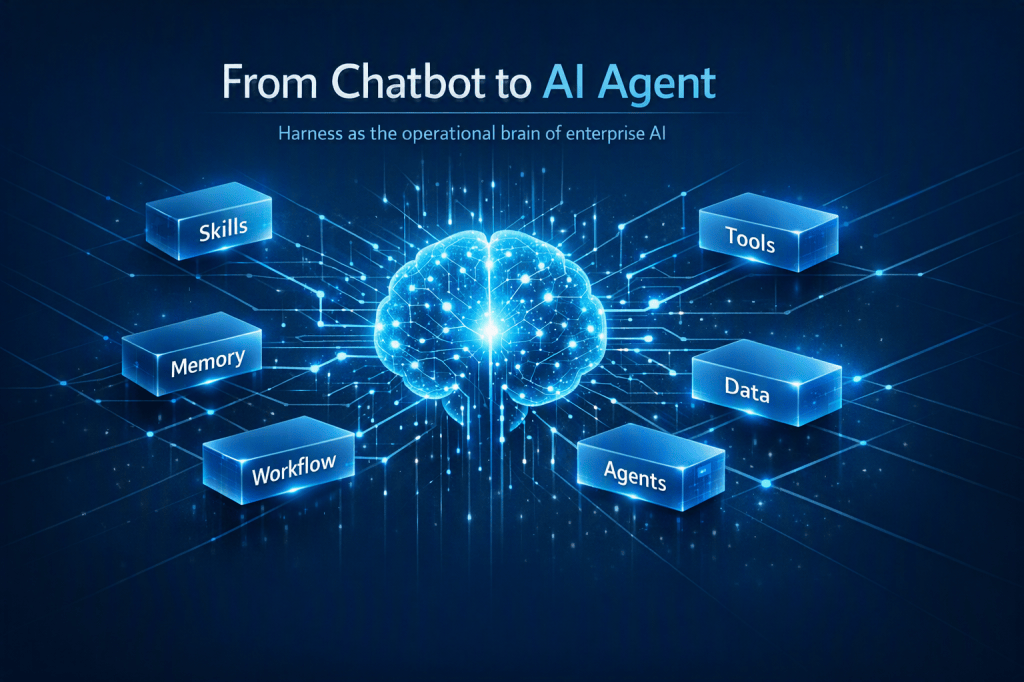
Harness: the biggest Copilot Studio shift in recent years
Why the new GitHub Copilot Harness is not just another feature, but a paradigm shift in how we design enterprise AI agents. Quick summary: Microsoft is moving Copilot Studio from the chatbot-with-workflows paradigm to the agentic platform paradigm. You no longer design only conversational paths: you design capabilities, tools, memory, and specialized agents that collaborate…
-
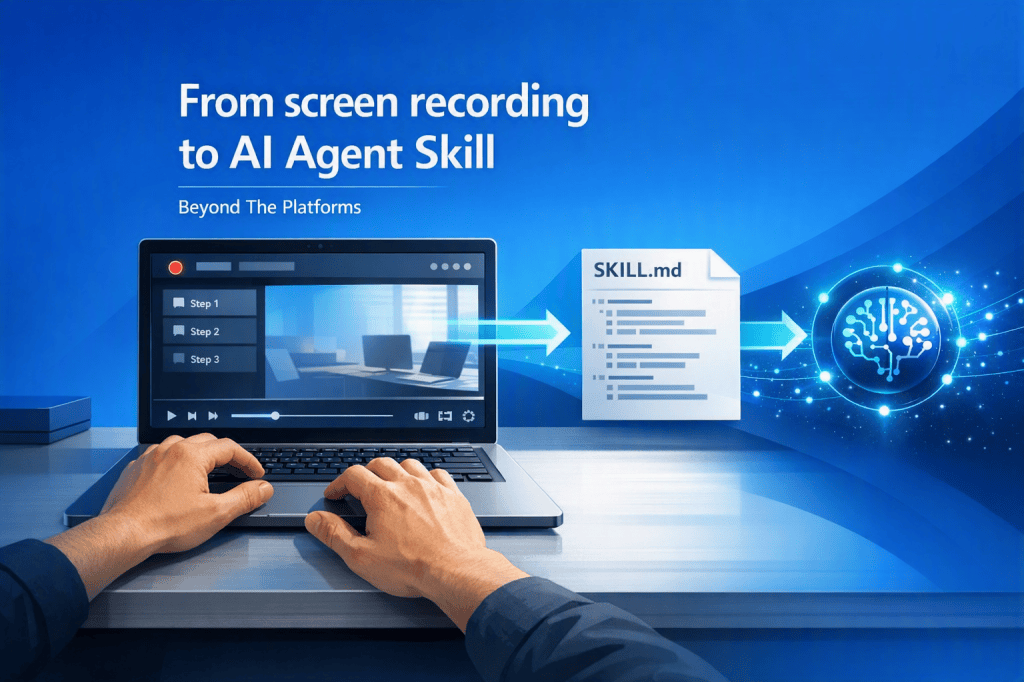
Copilot Skill Recorder
I taught a procedure to an AI Agent simply by recording my screen Over the past few months, we have seen a real acceleration around AI agents: Skills, MCP Servers, orchestration, intelligent automations, and new ways to turn operational activities into reusable capabilities. The question I hear most often during courses, events, and projects is…
-

Digital Radar Prompt
The prompt that automatically identifies which business processes should be automated in your organization. If your organization doesn’t know where to start with AI, Copilot Studio, and Power Automate, let Copilot discover the most valuable automation opportunities for you. Recommended settings:✅ Enable Work IQ✅ Use the Opus model Act as a Senior Business Process Consultant…

