Category: Fabric
-

Copilot in Power BI – What’s new
Copilot in Power BI: your new ally for truly understanding your data In the world of data analysis, real value lies not only in the numbers but in the ability to ask the right questions. And today, with the latest updates to Copilot in Power BI, this process becomes even more natural, conversational, and powerful. Data…
-

Power BI – Translytical Task Flows
In the world of Business Intelligence, the boundary between analysis and action has always been clear-cut. But with the introduction of Translytical Task Flows, Power BI breaks down this barrier, ushering in a new era where reports no longer just tell what’s happening but become active tools to intervene in real-time. What are Translytical Task Flows?…
-
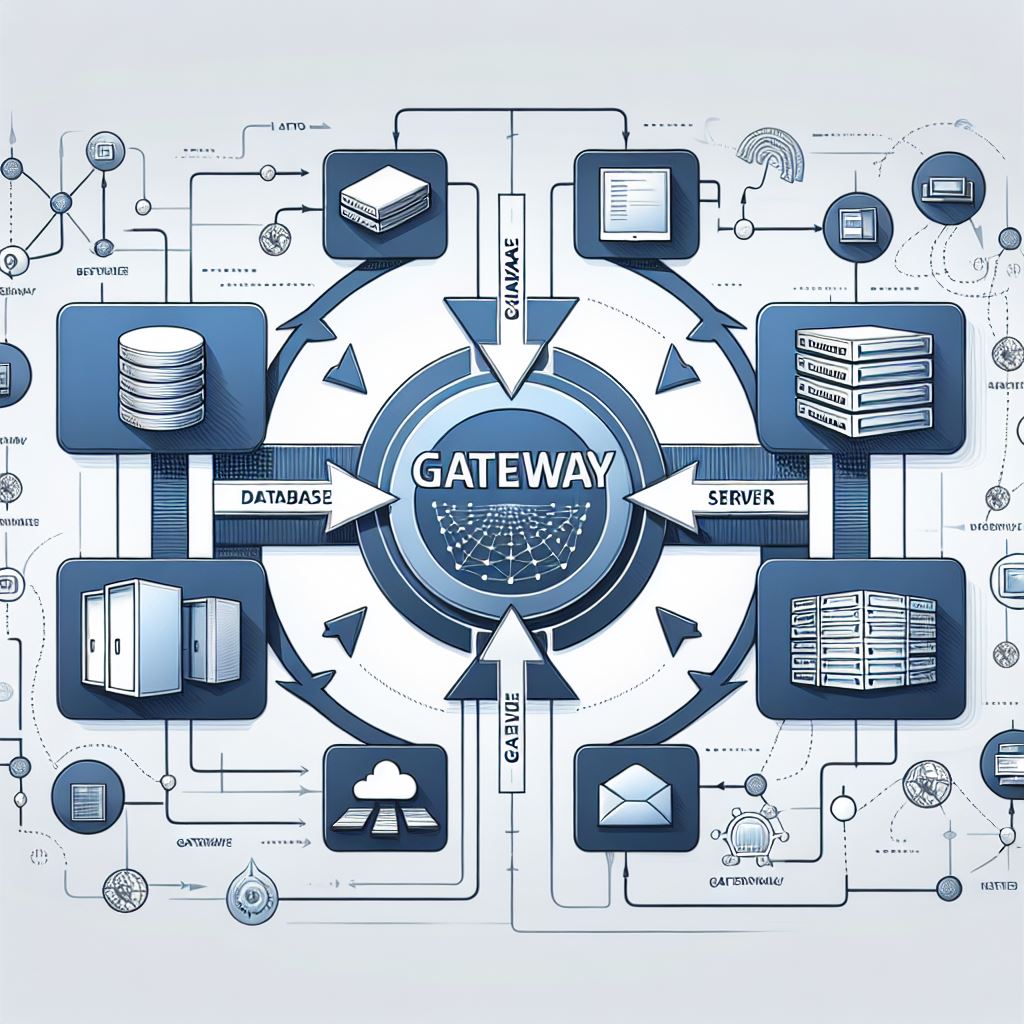
Fabric – On-premises Data Gateway
With the release of On-premises Data Gateway version 3000.242.5, we will have support for production pipelines in connecting to on-premises data sources. However, there are some considerations and a few small changes to make. 💠 Users of the September gateway version or those connecting to SQL will need to make the following changes or they…
-

Fabric – Incremental Refresh Dataflow Gen2
Finally, incremental refresh is also available on Dataflow Gen2 within Fabric. As some may already know, this feature is designed to optimize data processing, ensuring that only the data that has been modified since the last update is refreshed. 💠 There is a difference from the existing functionality in Power BI; data destinations are supported,…
-

Power BI – Gataway release (version 3000.238.11)
It has become customary to release updates for Power BI gateways. With this latest release, users connecting to SQL will need to make some changes or they will see SQL errors. 💠 When establishing a connection to a local SQL Server using the on-premises data gateway or Power BI Desktop and SQL Server uses a…
 BEYOND THE PLATFORMS