
I am eagerly awaiting the new features that will also be available in Italy and will be released in the coming months.
Copilot Studio now allows users to upload an image directly into the Agent. Once uploaded, it will be analyzed, and the Agent can provide responses and details relevant to the visual content and more.
To activate this feature, you currently need a Sandbox-type USA-based environment.
In the settings, by activating Generative AI, a new option will appear:
“Image input.”

Once enabled and the setting saved, the user can ask the Agent to describe the content of the uploaded image.
Here is my test.
For this test, I uploaded the image of the cult movie “Matrix.”

Prompt1:
“Describe me this image”

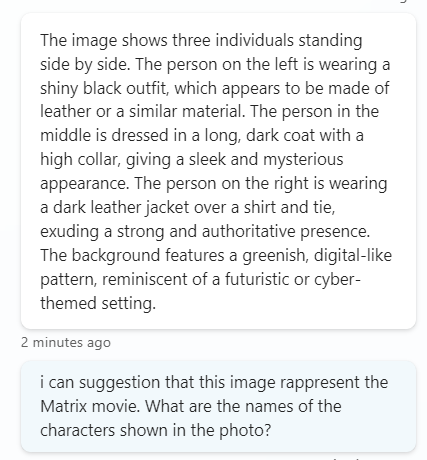
Prompt2:
“I can suggest that this image represents the Matrix movie. What are the names of the characters shown in the photo?”
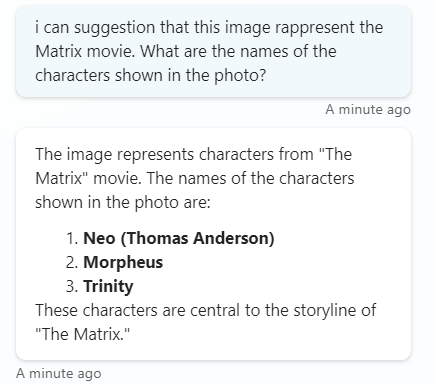
The amazing thing is that I didn’t have to write a single line of code or activate flows in Power Automate to work on the image content.
I just had to activate this new setting.
Boom Done 💣

 BEYOND THE PLATFORMS
Leave a reply to Copilot Optimize Prompts and Topic Settings – BEYOND THE PLATFORMS Cancel reply